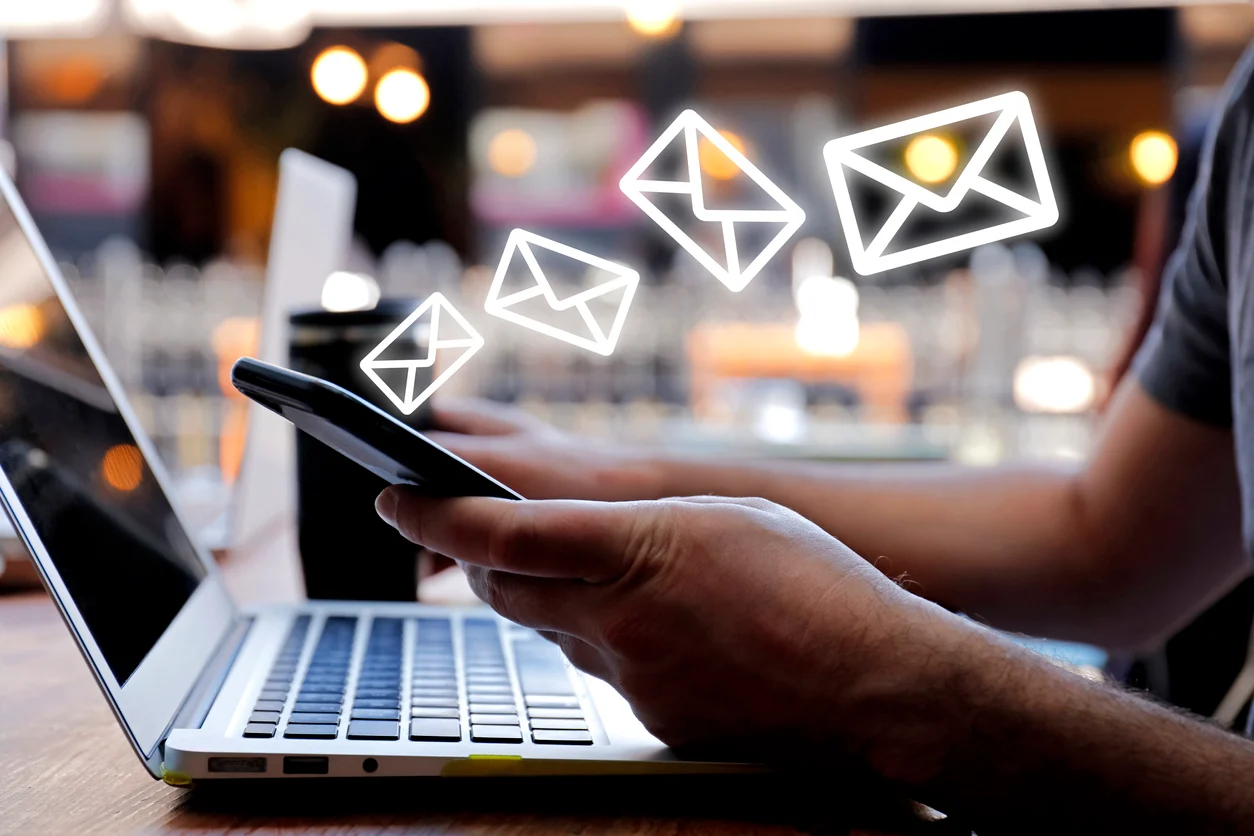
When you send or receive emails, three main protocols make it happen behind the scenes: IMAP, POP3, and SMTP. Each plays a unique role in managing your messages.
IMAP (Internet Message Access Protocol)
IMAP is designed to keep your emails on the mail server, letting you access them from multiple devices. When you read or organize emails, the changes sync everywhere, which is great if you check your mail from a phone, tablet, and computer.
POP3 (Post Office Protocol version 3)
POP3 works differently by downloading emails from the server to your device and often deleting them from the server afterward. This means emails are stored locally and aren’t automatically synced across devices. It’s useful if you prefer to keep all emails saved offline.
SMTP (Simple Mail Transfer Protocol)
While IMAP and POP3 handle incoming mail, SMTP is responsible for sending your emails out to others. It acts like a digital post office, routing your messages from your email client to the recipient’s mail server.
Together, these protocols keep your emails flowing smoothly—whether you’re checking your inbox or composing new messages.